If you’re exploring streaming options, you’ve probably seen the term IPTV everywhere. But you might still be wondering:
What does IPTV stand for, and what does it actually mean for me as a viewer?
Complete, Easy Explanation for New Users
You’re in the right place.
In this guide, we’ll break down:
- What IPTV stands for (in simple words)
- How IPTV is different from cable, satellite, and Netflix-style apps
- The main types of IPTV (live TV, time‑shifted, VOD)
- What you need to get started with IPTV at home
- How to pick a trustworthy IPTV provider like ukiptvsub.com
All in a friendly, non-technical way—even if you’re not a “tech person.
UKIPTVSUB is the most stable IPTV I’ve used – no buffering even during live sports!
 Rated 4.8| Excellent
 Trustpilot
What IPTV Stands For: Powerful Guide to Modern Internet TV
IPTV stands for Internet Protocol Television.
Let’s break that down:
- Internet Protocol (IP) – The standard technology used to send data over the internet
- Television – TV channels, shows, movies, sports, and more
So when we say IPTV, we simply mean:
Television delivered using internet technology instead of traditional cable or satellite.
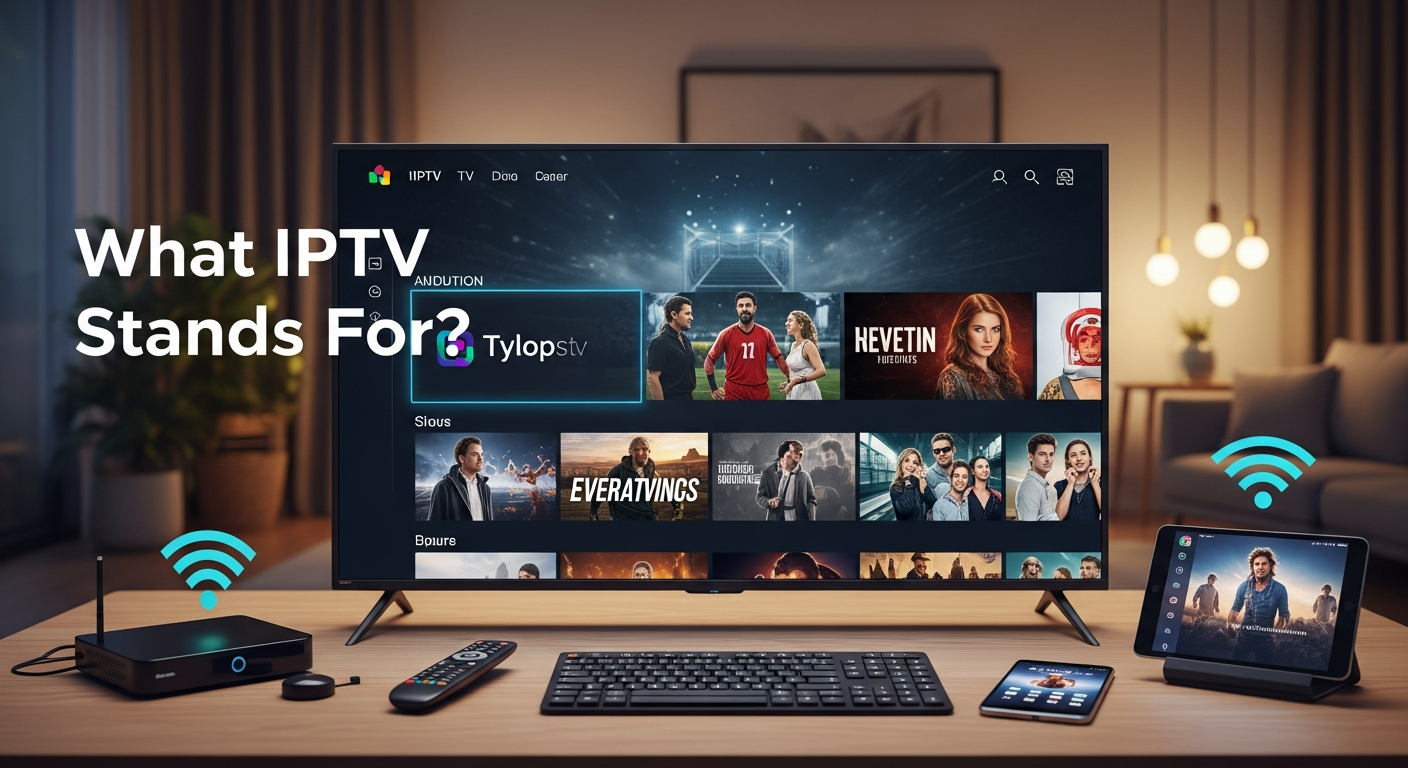
Instead of channels coming through a dish or a coaxial cable, they’re sent as data over your internet connection and displayed on your TV, laptop, phone, or tablet.
If you’d like a more technical explanation, you can look at the general concept of IP networks on Cisco’s networking basics page – but don’t worry, you don’t need to be an engineer to use IPTV.
How IPTV Differs From Cable, Satellite, and Streaming Apps
Now that you know what IPTV stands for, the next logical question is: how is it different from what you already use?
IPTV vs Traditional Cable/Satellite
Traditional TV:
- Channels broadcast over satellite or cable
- You receive whatever is being aired at that moment
- You usually need a set‑top box from your provider
IPTV:
- Channels delivered over the internet
- Often more flexible: multiple devices, catch‑up, VOD
- You can use Smart TVs, Firestick, Android boxes, phones, laptops, etc.
IPTV vs Streaming Apps (Netflix, Disney+, etc.)
Services like Netflix are on‑demand streaming platforms, not full IPTV in the traditional sense:
- They offer movies and series, no live channels
- You watch specific titles, not “channels”
IPTV services usually provide:
- Live channels (sports, news, entertainment, kids)
- Sometimes VOD libraries with movies and series
- Features like EPG (TV guide) and catch‑up
If you think of Netflix as your online cinema, IPTV is more like replacing your whole TV package with internet-based channels and VOD.
For a general overview of on-demand and online TV, you can explore Ofcom’s information on video-on-demand services.
The Three Main Types of IPTV
Understanding what IPTV stands for also means understanding the types of content you usually get.
1. Live IPTV (Live TV)
This is TV that’s broadcast live over the internet:
- Sports (Premier League, Champions League, boxing, F1)
- News channels
- Entertainment channels
You watch it in real time, like traditional TV—but via your internet connection.
2. Time‑Shifted IPTV (Catch-Up TV)
This lets you rewind or watch shows after they’ve aired:
- Replay last night’s match
- Catch an episode you missed
- Watch within a specific time window (e.g., 24–72 hours)
Some IPTV providers offer this for certain channels.
3. IPTV VOD (Video On Demand)
This is similar to streaming platforms:
- A library of movies and series you can play anytime
- Often organized into categories (action, comedy, kids, etc.)
Many IPTV services combine all three types: live TV + catch-up + VOD—which is one reason they’re so popular.
What Do I Need to Use IPTV?
Now that you know what IPTV stands for, let’s talk about what you actually need to use it.
1. Internet Connection
- Minimum 10–15 Mbps for one HD stream
- 25+ Mbps if multiple people stream at once
- Stable Wi‑Fi or, even better, wired Ethernet
For more on internet speeds and streaming, you can refer to Ofcom’s overview on understanding broadband speeds.
2. A Compatible Device
You can watch IPTV on:
- Smart TV (Samsung, LG, etc.)
- Amazon Firestick / Fire TV
- Android TV box or Android phone/tablet
- iPhone / iPad
- Windows or Mac laptop/PC
3. An IPTV Subscription
Your IPTV provider gives you:
- An m3u playlist URL, and/or
- Xtream Codes login (server, username, password)
This is where a quality provider like ukiptvsub.com comes in. They:
- Offer structured IPTV plans
- Provide clear instructions for different devices
- Focus on stable, high‑quality channels and support
4. An IPTV Player/App
Depending on your device, you’ll use:
- IPTV apps from your Smart TV’s app store
- IPTV player apps on Firestick/Android
- Apps or VLC Media Player on PC/laptop
For example, VLC Media Player is a popular free player that can open IPTV m3u playlists on Windows and Mac.
How IPTV Works in Practice (Simple Example)
Imagine this:
You’ve just signed up with ukiptvsub.com because a friend raved about how they watch all their football and movies with it.
Here’s what usually happens next:
- You receive an email with:
- Your m3u URL or
- Server address, username, and password
- You install an IPTV player:
- On your Smart TV, Firestick, or phone
- You enter your IPTV details into the app:
- Paste the m3u link, or
- Enter the Xtream Codes login
- The app loads channel lists and VOD:
- Live channels grouped by country/category
- Movies and series grouped by genre
- You click and watch:
- Sports, news, movies, series, kids’ shows—on demand
In short, when you ask “what IPTV stands for”, in real life it stands for “my TV now works on almost any device with internet.”
Why People Switch to IPTV
Understanding what IPTV stands for is one thing—but why are so many people switching?
1. Flexibility
- Watch on multiple devices
- Use it at home, in a hotel, or even abroad (depending on your setup)
- Pause and continue on different screens
2. Channel Variety
IPTV services often offer:
- UK, US, and international channels
- Tons of sports, movies, and entertainment
- Large VOD libraries
A provider like ukiptvsub.com focuses on offering a strong, balanced lineup instead of just throwing random channels at you.
3. Convenience
- No need for bulky boxes or dishes
- Easy streaming via apps you already know how to use
- Access via the same internet you already pay for
Is IPTV Legal?
When people first learn what IPTV stands for, they quickly ask:
“Is IPTV legal?”
The short version:
- The technology (IPTV) is legal.
- Legality depends on whether the service has rights to broadcast the content.
Legal services (like official TV apps, licensed IPTV from telecoms) operate with proper content licenses.
It’s always safer to choose reputable, transparent providers and avoid super‑cheap, anonymous sellers that pop up in random social media groups.
For more information on TV and video regulation, see Ofcom’s pages on TV and on-demand regulation.
How to Get Started with IPTV (Step-by-Step)
Knowing what IPTV stands for is the first step. Here’s how to actually start using it:
Step 1: Choose a Reputable IPTV Provider
Look for:
- Professional, clear website
- Real contact methods and support
- Transparent pricing and packages
That’s why many users choose ukiptvsub.com—it offers:
- Quality streams and a strong channel lineup
- Device support for Smart TVs, Firestick, mobile, and more
- Friendly help if you’re new to IPTV
Step 2: Pick Your Device
Decide where you’ll mainly watch:
- Living room TV (Smart TV / Firestick / Android box)
- Phone or tablet
- Laptop or PC
Step 3: Install an IPTV App
- On Smart TV: search the app store for an IPTV player
- On Firestick/Android: download a recommended IPTV app
- On PC: use VLC or an IPTV app
Step 4: Enter Your IPTV Credentials
- Paste your m3u URL or
- Enter your server, username, password
Step 5: Explore and Enjoy
- Browse live channels and VOD
- Add favourites
- Test sports, movies, and series
Featured Snippet Style Answer: What IPTV Stands For
What IPTV stands for: IPTV means Internet Protocol Television. It is a way of delivering TV channels and video over the internet instead of through traditional cable or satellite. IPTV lets you watch live TV, catch-up content, and on-demand movies and series on devices like Smart TVs, Firesticks, phones, tablets, and laptops using your internet connection.
Frequently Asked Questions: What IPTV Stands For
1. What exactly does IPTV stand for?
IPTV stands for Internet Protocol Television. It refers to TV and video services delivered over an IP-based network (the internet) instead of broadcast, cable, or satellite.
2. Is IPTV the same as Netflix or Disney+?
Not exactly. Netflix and Disney+ are on-demand streaming services with movies and series only. IPTV usually offers:
- Live TV channels
- Sometimes catch‑up TV
- VOD movies and series
So IPTV is more like a full TV replacement than a single app.
3. What do I need to use IPTV at home?
You need:
- A decent internet connection
- A compatible device (Smart TV, Firestick, phone, laptop, etc.)
- An IPTV subscription from a provider like ukiptvsub.com
- An IPTV player app
Then you simply log in or load the playlist and start watching.
4. Is IPTV legal to watch?
IPTV technology is legal, but services must have rights to the channels and content they provide. To stay safer:
- Use reputable providers
- Avoid obvious pirate services that look too good to be true
5. Why choose ukiptvsub.com as an IPTV provider?
ukiptvsub.com is designed for viewers who:
- Want an easy, reliable IPTV experience
- Need help with setup on Smart TV, Firestick, or other devices
- Care about stable streams, good support, and a strong channel list
It’s a good starting point if you’re new to IPTV and want something user-friendly.
Final Thoughts: Now You Know What IPTV Really Stands For
So, what IPTV stands for is more than just “Internet Protocol Television”:
In everyday life, it stands for flexible, internet‑based TV that works on your favourite devices.
If you:
- Want to move away from rigid cable or satellite
- Like the idea of watching live TV + VOD on multiple devices
- Want a more modern way to enjoy sports, movies, and series
Then IPTV is worth trying.
To get started quickly and safely, explore ukiptvsub.com, choose a package, and follow their simple setup guides.
If you’d like more practical IPTV guides, comparisons, and tips:
Subscribe to our updates and stay ahead in the IPTV world—so you always know how to choose the right service, fix common problems, and get the best streaming experience on any device.
- IBO Player Screen Turns Black After a Few Minutes Easy 2026 Fix Guide to Stop the Annoying Black Screen
- 11 Best USA IPTV Service Providers in 2026 Honest Comparison Guide
- Best IPTV Providers in the USA 2026 (Tested & Ranked)
- TV Says No Signal (or No Signal Found)? Ultimate 2026 Fix Guide for UK Homes
- 8K Player VIP Not Working on Firestick? Ultimate Disabled App Fix for UK Users