What Is IPTV Smarters Pro Free Account and How Does It Work?
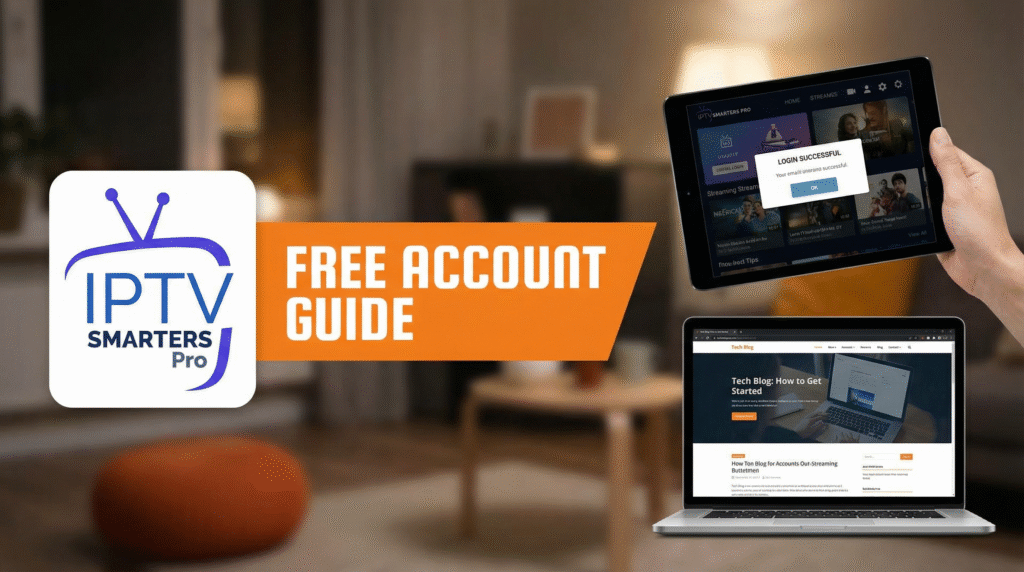
If you’ve searched for IPTV apps, you’ve almost certainly seen IPTV Smarters Pro mentioned everywhere. Then you see people asking:
- “Is there an IPTV Smarters Pro free account?”
- “Can I watch free channels with IPTV Smarters Pro?”
- “Do I still need to pay for an IPTV subscription?”
If you’re confused, you’re not alone.
UKIPTVSUB is the most stable IPTV I’ve used – no buffering even during live sports!
 Rated 4.8| Excellent
 Trustpilot
This guide will explain, in simple language:
- What IPTV Smarters Pro is (and what it’s not)
- What a free account means in practice
- How to set it up on your devices
- The difference between the player app and the IPTV service
- How to use it properly with a trusted IPTV provider like ukiptvsub.com
By the end, you’ll know exactly how to use IPTV Smarters Pro without false expectations or nasty surprises.
What Is IPTV Smarters Pro?
Let’s start with the basics.
IPTV Smarters Pro is an IPTV player app – not an IPTV provider.
That means:
- It’s just the software you install on your device
- It does not include its own channels or movies
- You must connect it to an IPTV subscription from a separate provider
Think of IPTV Smarters Pro like a TV remote: it lets you switch channels and browse content, but you still need a TV signal from a service such as ukiptvsub.com.
The official website for the app (to understand what the creators offer) is:
https://www.smarterstv.com/
What Does “IPTV Smarters Pro Free Account” Really Mean?
This phrase confuses a lot of people.
When people say “IPTV Smarters Pro Free Account”, they usually mean:
- The app itself is free to download and use (in its basic form)
- You can create a free user profile within the app
- You can add your own IPTV subscription at no extra cost
However:
IPTV Smarters Pro does NOT give you a free IPTV subscription.
It doesn’t magically unlock free Sky Sports, Netflix, or paid channels.
You still need:
- A valid IPTV line or subscription from a provider (for example, ukiptvsub.com)
- Your login details (m3u URL or Xtream Codes) to enter inside IPTV Smarters Pro
So the “free” part refers to the player, not to the content.
Key Features of IPTV Smarters Pro (Free Version)
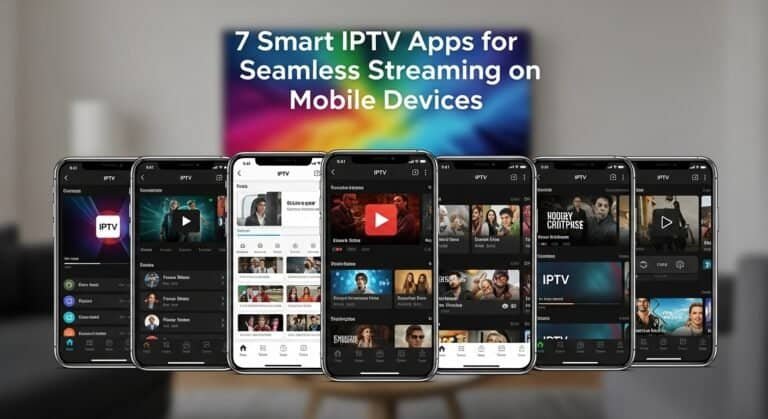
Even with a free account, IPTV Smarters Pro is powerful and user-friendly. Some core features include:
- Live TV support with channel categories
- EPG (Electronic Program Guide) where supported
- VOD (Video on Demand) support for movies and series
- Multi-screen support on some platforms
- Works on Android, iOS, Firestick, Smart TV, and more
However, remember: all of these features depend on what your IPTV provider offers and supports.
A good provider like ukiptvsub.com will usually offer:
- A strong live channel lineup
- A well-organised VOD library
- EPG data that works nicely inside apps like IPTV Smarters Pro
IPTV Smarters Pro Free Account vs Paid IPTV Subscription
To avoid confusion, here’s a clear comparison.
IPTV Smarters Pro (Free)
- Type: App / Player
- Cost: Often free to install (some platforms may have a small fee)
- Role: Displays content from your IPTV service
- Includes channels? No
- Includes VOD? No
- Account: Just a profile inside the app
IPTV Subscription (Paid, e.g., ukiptvsub.com)
- Type: Content provider
- Cost: Monthly / quarterly / yearly fee
- Role: Supplies channels, sports, movies, and series
- Includes channels? Yes – live TV, sports, etc.
- Includes VOD? Yes, depending on provider
- Account: Actual subscription with credentials
You can think of it this way:
IPTV Smarters Pro Free Account = Your player.
ukiptvsub.com subscription = Your content.
You generally need both for a complete IPTV experience.
How to Use IPTV Smarters Pro Free Account with ukiptvsub.com
Let’s walk through a simple, real-world example.
Imagine you’ve just signed up at ukiptvsub.com because you want reliable IPTV with sports, movies, and UK channels.
Here’s how to connect it to IPTV Smarters Pro.
Step 1: Subscribe to an IPTV Service
- Go to ukiptvsub.com.
- Choose a package (1 month, 3 months, etc.).
- Complete the checkout.
- Wait for your IPTV login details:
- Usually m3u URL and/or
- Xtream Codes (server URL, username, password)
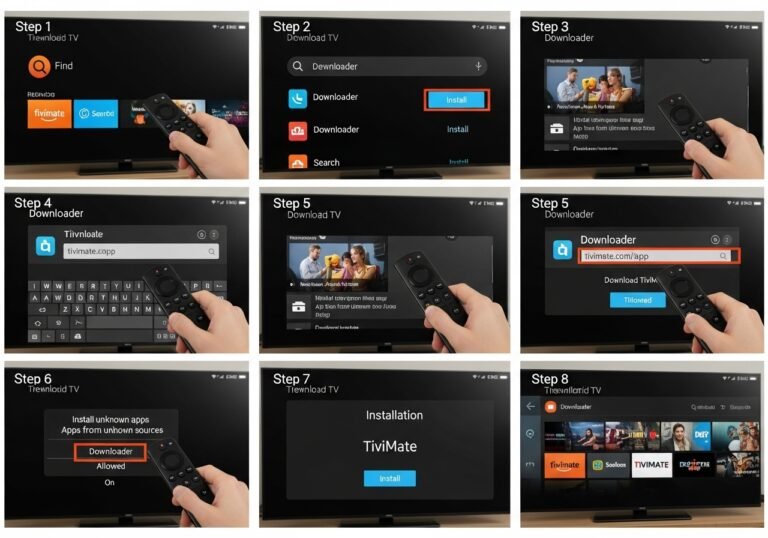
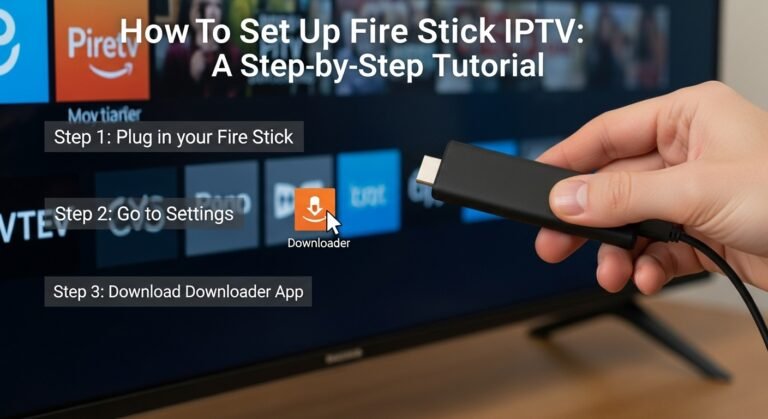
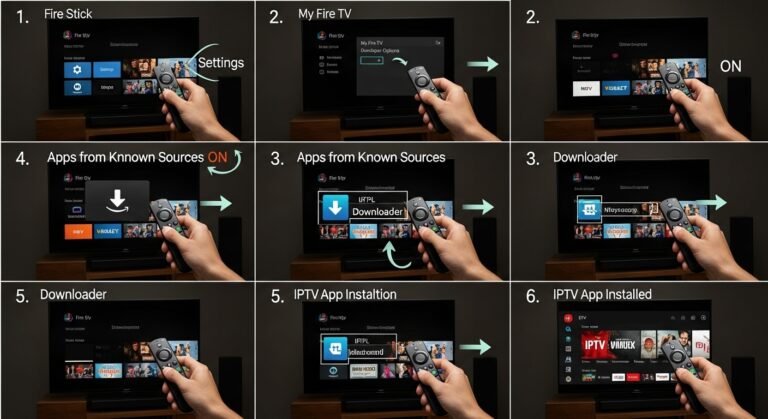
Step 2: Install IPTV Smarters Pro
Depending on your device:
- Android / Android TV / Firestick – find IPTV Smarters Pro on the official app store or follow their install guide.
- iOS (iPhone/iPad) – search “IPTV Smarters” in the App Store.
- Smart TV (Samsung/LG) – if available in your store, install it directly.
(Always try to use official stores where possible for safety.)
Step 3: Create Your Free Account/Profile
- Open IPTV Smarters Pro.
- Choose “Add New User” or similar.
- You may choose to login via:
- Xtream Codes API or
- Load Your Playlist or File/URL
Step 4: Enter Your IPTV Details from ukiptvsub.com
If using Xtream Codes:
- Enter the Server URL, Username, and Password provided by ukiptvsub.com.
- Give the profile a name (e.g., “UKIPTVSUB”).
- Save and log in.
If using m3u URL:
- Paste the full m3u link sent to you.
- Name the playlist.
- Save and load.
Step 5: Enjoy Live TV & VOD
Once loaded:
- Browse Live TV channels by country or category
- Open the Movies or Series (VOD) sections
- Use the EPG if available
Now your IPTV Smarters Pro Free Account is fully functional with your ukiptvsub.com subscription.
Is IPTV Smarters Pro Safe and Legal?
From a technical standpoint, IPTV Smarters Pro is just an app. It doesn’t inherently do anything illegal.
However, legal concerns usually relate to:
- The source of the content (your IPTV provider)
- Whether proper broadcast rights are respected in your region
IPTV technology itself is not illegal, but services that stream content without permission may be. It’s always safer to work with transparent, reputable providers and to be aware of your local laws.
For a general overview of TV and online video regulation in the UK, you can see Ofcom’s pages:
https://www.ofcom.org.uk/tv-radio-and-on-demand
Common Pain Points with IPTV Smarters Pro Free Account (And Solutions)
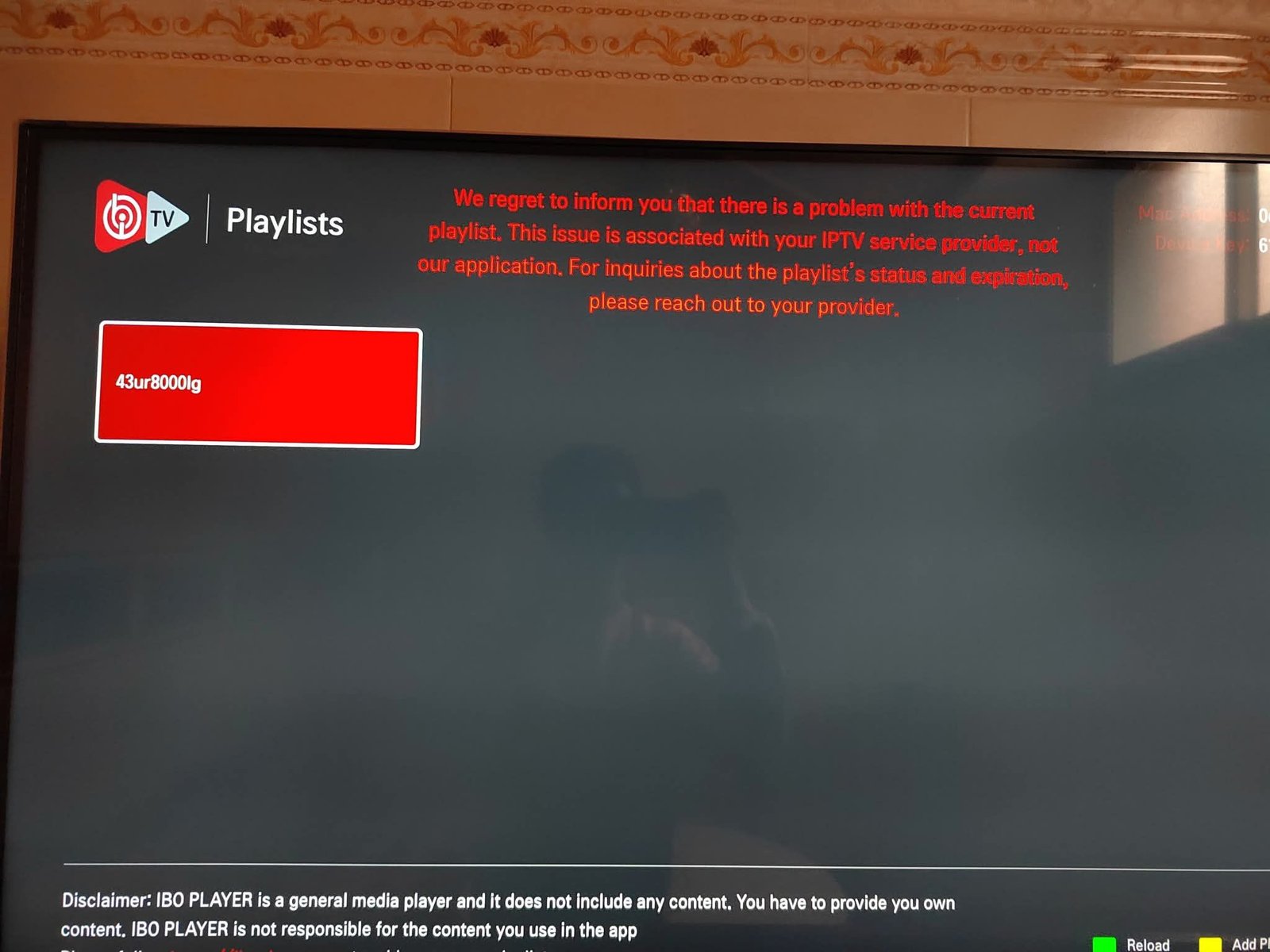
1. “IPTV Smarters Pro is empty – no channels!”
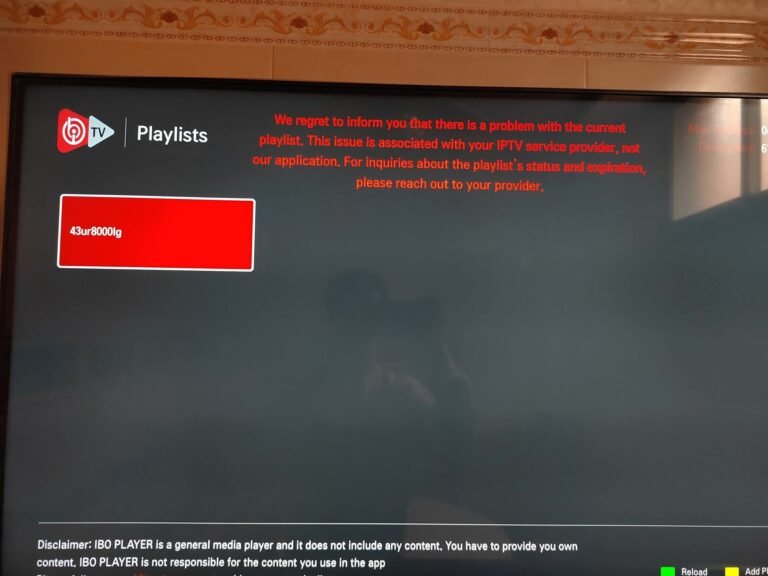
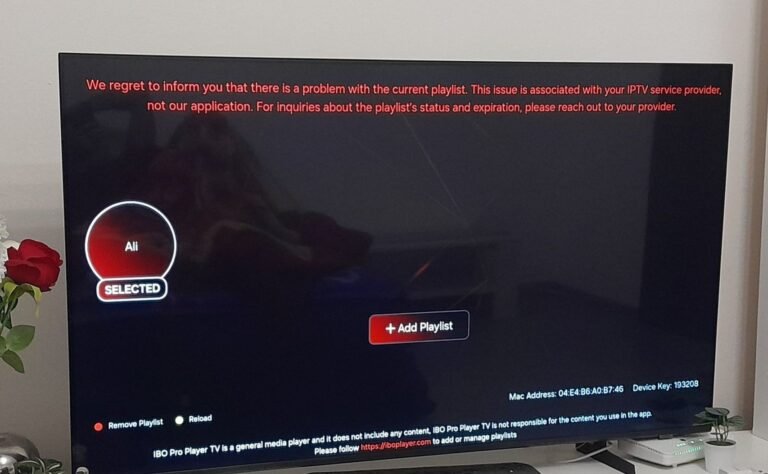
Cause: The app doesn’t include channels by default.
Fix:
You must connect a subscription:
- Get an IPTV line from a provider like ukiptvsub.com
- Enter your credentials (m3u or Xtream Codes) into the app
2. Buffering or Freezing
Possible reasons:
- Weak internet connection
- Wi‑Fi interference
- Overloaded server
Solutions:
- Use Ethernet instead of Wi‑Fi when possible
- Restart router and device
- Make sure no heavy downloads/streams are running in the background
- Contact your provider for alternative servers or tips
Ofcom has general broadband troubleshooting guidance here:
https://www.ofcom.org.uk/phones-and-broadband/broadband/problems-and-complaints
3. App Crashes or Won’t Open
Fixes:
- Update IPTV Smarters Pro to the latest version
- Restart your device
- Reinstall the app
- Try an alternative IPTV player if needed (your provider can recommend one)
4. EPG Not Showing
Fixes:
- Confirm your provider supports EPG for your line
- Check EPG settings inside IPTV Smarters Pro
- Reload channels and TV guide data
Featured Snippet: What Is IPTV Smarters Pro Free Account?
IPTV Smarters Pro Free Account refers to using the IPTV Smarters Pro app as a free IPTV player to load your existing IPTV subscription. The app itself is free to install and lets you create a user profile, but it does not include free channels or content. You still need a paid IPTV subscription from a provider like ukiptvsub.com, then you log in with your credentials inside IPTV Smarters Pro to watch live TV and VOD.
Frequently Asked Questions: IPTV Smarters Pro Free Account
1. Is IPTV Smarters Pro really free?
Yes, IPTV Smarters Pro is generally free to download and use as a player on many platforms. However, it doesn’t give you free channels. You still need an IPTV subscription from a provider.
2. Does IPTV Smarters Pro Free Account include channels?
No. A free account in IPTV Smarters Pro simply means you can create a profile in the app and use it as a player. To actually watch channels or movies, you must:
- Get a subscription from an IPTV provider like ukiptvsub.com
- Enter the login details they provide into the app
3. Can I use IPTV Smarters Pro with ukiptvsub.com?
Yes. In fact, apps like IPTV Smarters Pro are a popular way to use subscriptions from providers such as ukiptvsub.com. You simply:
- Subscribe at ukiptvsub.com
- Receive your m3u or Xtream Codes
- Add them into IPTV Smarters Pro
- Start watching
4. Is it safe to use IPTV Smarters Pro?
The app itself is widely used and, when downloaded from official sources, is generally considered safe as a media player. Always:
- Download it from trusted app stores or the official site
- Use it with a reputable IPTV provider
- Avoid adding random, unknown playlists from the internet
5. Do I need a VPN with IPTV Smarters Pro?
A VPN isn’t required by default, but some users choose to use one for:
- Additional privacy
- Avoiding potential ISP throttling
If you choose to use a VPN, pick a reputable one and connect to a nearby, fast server so your streaming speed stays high.
6. Can I use IPTV Smarters Pro Free Account on multiple devices?
Yes, you can install the app on multiple devices and add your profile. However, whether you can stream on multiple devices at the same time depends on your IPTV subscription plan from your provider.
Final Thoughts: Get the Best Out of IPTV Smarters Pro Free Account
Now you know the truth about IPTV Smarters Pro Free Account:
- The app is free to use as a powerful IPTV player
- It does not include channels or VOD by itself
- You still need a good IPTV subscription to unlock its full potential
If you want a smooth, beginner-friendly experience:
- Choose a trusted provider like ukiptvsub.com
- Install IPTV Smarters Pro on your preferred device
- Enter your subscription details and start exploring live TV and VOD
Want more IPTV guides, setup tutorials, and honest tips?
Subscribe to our updates to learn:
- How to choose the right IPTV apps and providers
- How to optimize streaming on Smart TV, Firestick, laptop, and mobile
- How to fix common IPTV problems quickly
Take the guesswork out of IPTV and enjoy your streaming with confidence.