Perfect for first‑time buyers – a true win‑win deal.
You get extra time to test the service properly, watch live TV and sports, explore movies and series, and decide if IPTV is right for you—without paying for that extra month.
In this guide, you’ll learn:
What this Free 1 Month for New Customers IPTV offer includes
Why it’s ideal if you’re new to IPTV
How to claim it step by step
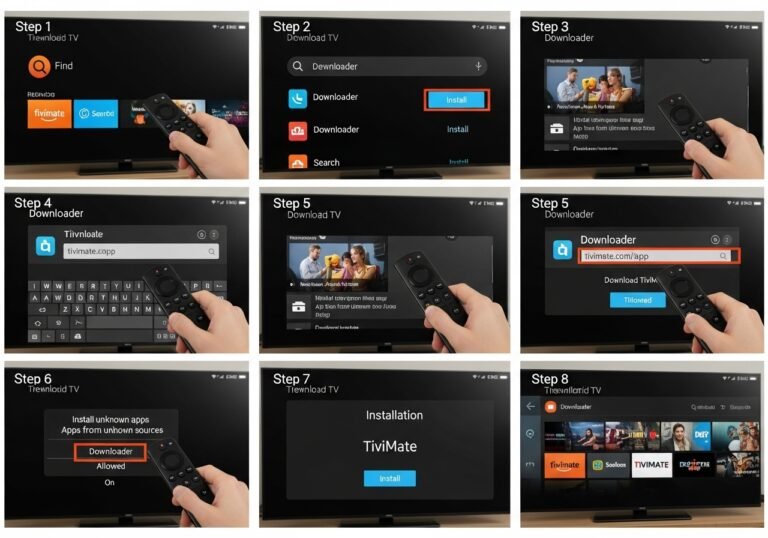
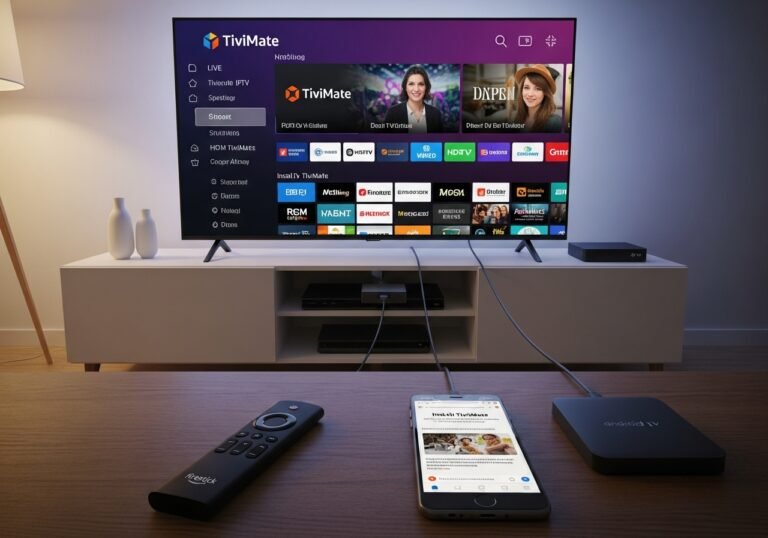
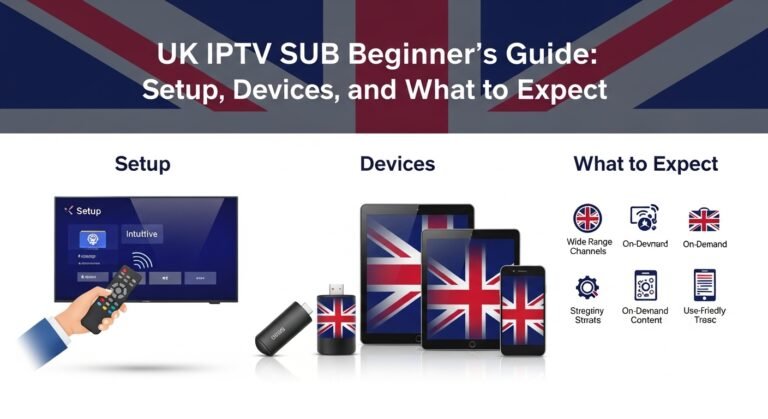
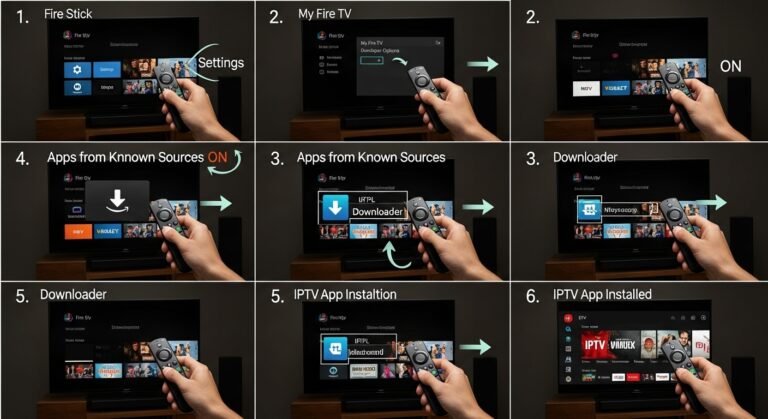
How to set IPTV up on Smart TV, Firestick, and other devices
Answers to common questions about IPTV and new customer deals
Free 1 Month IPTV :the best Offer for New Customers – How It Works
The core offer is simple and powerful:
If you are a new IPTV customer and you buy:
a 6‑month subscription, or
a 12‑month subscription,
You get an extra 1 month FREE added to your subscription time.
So instead of:
6 months → you get 7 months
12 months → you get 13 months
You’re not just getting a small discount—you’re getting more time to enjoy the service.
Why This Deal Is Perfect for First‑Time IPTV Buyers
If you’re new to IPTV, you probably have questions like:
“Will it buffer all the time?”
“Is the channel list really what they say?”
“Is it easy to set up on my TV?”
“Is it worth paying for another streaming service?”
This Free 1 Month for New Customers offer helps with all those doubts:
1. Extra Time to Test Stability
Most people judge IPTV based on:
Sports nights
Weekend evenings
Busy times when internet usage is high
Having an extra month lets you test:
Multiple big matches
Different days and times
Different devices in your home
If the service performs well then, you can feel comfortable staying long-term.
2. A Fair Trial Without a “Trial” Label
Some cheap providers give a 24‑hour trial, which:
Isn’t enough to test properly
Might not fall on a busy day
Can feel rushed
A free extra month on a 6‑ or 12‑month plan lets you live with IPTV for a while, not just sample it.
3. Better Value per Month
New customers often want to minimise risk and cost. With this offer:
Your effective monthly price drops
You get more days of viewing for the same money
You can share the service in your household with less pressure
How to Claim Your Free 1 Month IPTV (Step-by-Step)
Here’s a simple breakdown of the process.
Step 1: Confirm You’re a New Customer
This offer is for first-time buyers only. That means:
You haven’t had a subscription with this provider before (using the same email/account).
If you’re truly new, you’re eligible.
Step 2: Choose Your Plan
You have two qualifying options:
6‑month IPTV subscription
12‑month IPTV subscription
Ask yourself:
Do you just want to test mid‑term? → 6 months (+1 free)
Are you pretty sure IPTV is for you? → 12 months (+1 free, best overall value)
Step 3: Complete Your Purchase
During checkout:
Enter your email and details
Pay for the selected 6‑ or 12‑month plan
The system (or support team) then adds 1 extra month to your account.
Step 4: Receive Your IPTV Line
After payment, you’ll get:
An m3u URL and/or
Xtream Codes (server URL, username, password)
These are your login details for your IPTV app.
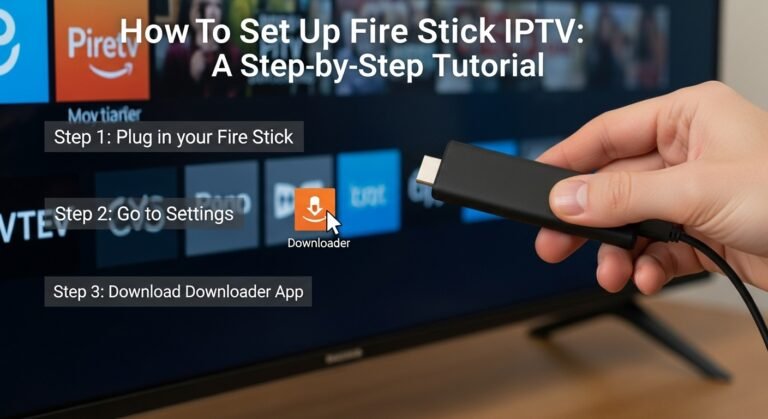
Step 5: Set Up IPTV on Your Devices
We’ll cover setup in detail below. Once it’s configured:
Your account will run for 6 + 1 months, or 12 + 1 months
You can watch IPTV throughout that full period without extra charges
Setting Up IPTV After You Get Your Free Month
Once your subscription is active, this is how to get watching.
1. Check Your Internet Connection
For a smooth experience:
Aim for 10–15 Mbps minimum for one HD stream
More if several people stream at once
Wired Ethernet is best; strong Wi‑Fi is often fine
Enter your m3u URL or Xtream Codes (server, username, password)
Save the profile and let it load channels and VOD
5. Start Exploring
Now you can:
Browse live TV channels (sports, news, entertainment)
Check the VOD library for movies and series
Use the EPG (TV guide) if available
Add favourite channels to a “Favorites” group
Use your free extra month to explore everything: don’t just watch one channel and forget the rest.
Making the Most of Your Free Month as a New IPTV User
Here are a few smart ways to squeeze maximum value out of your free extra month.
1. Test at Peak Times
Use your extra time to:
Watch big football matches
Try evenings and weekends
See if you get buffering or if streams stay stable
If everything holds up then, you know you’re on a strong setup.
2. Try Multiple Devices
During your extended period:
Install IPTV on your main TV, plus a secondary device (phone, tablet, laptop)
See what works best for your household
Some families like main IPTV on the living room TV and a backup on mobile for travel or bedroom watching.
3. Involve the Whole Household
Let everyone test:
Kids → kids channels and cartoons
Partner → movies, TV series
You → news, sports, international channels
You’ll quickly see whether IPTV can replace or supplement your existing TV options.
4. Note Support Quality
During these months, pay attention to:
How quickly support replies
How clearly they answer questions
Whether they can help with device setup or channel issues
A free month is not just about watching—it’s about testing the provider.
Featured Snippet Style Summary
The “Free 1 Month for New Customers” IPTV offer gives first‑time buyers 1 extra month of IPTV for free when they purchase a 6‑month or 12‑month subscription. New users pay for 6 or 12 months but actually receive 7 or 13 months of access, making it a risk‑reduced, great‑value way to try IPTV with plenty of time to test live channels, sports, and on‑demand content on their devices.
Frequently Asked Questions: Free 1 Month IPTV Offer for New Customers
1. Who qualifies as a “new customer” for the free month?
A new customer is someone who:
Has never had an IPTV subscription with this provider before (no previous account or line under the same email/account).
If you’ve never signed up before, you’re eligible for the Free 1 Month offer when you buy a 6‑ or 12‑month plan.
2. Does the free month start immediately?
Normally, yes:
Your subscription starts from the moment your line is activated.
Your paid months + free month are automatically added as one continuous period.
For example, if your 6‑month plan starts on 1st March, and you get 1 month free, your access might run until the end of September instead of August.
3. Do I pay extra for the free month?
No. The free month:
Is added on top of the 6 or 12 months you pay for
Does not cost you anything extra
You simply receive more viewing time than you’re billed for.
4. Can I get the free month with a 1‑month or 3‑month subscription?
No. This specific offer is:
Only for 6‑month and 12‑month plans
Not applied to shorter subscriptions
Shorter plans can still be a good way to test IPTV, but this free month promotion is reserved for longer-term commitments.
5. Can existing customers get the free 1 month offer?
This promotion is targeted at new customers only. Existing customers may have access to:
Other loyalty or referral offers
Upgrade deals or discounts
Check with support or your provider’s promotions page to see if there’s something tailored for existing subscribers.
6. Can I cancel midway and still keep the free month?
In most cases:
Once you’ve paid and received your line, the free month is part of the full package.
If you stop using the service early, you don’t normally get refunds just for not watching.
Always check the provider’s refund and cancellation policy before purchase.
7. How do I know if IPTV is right for me before the free period ends?
Use your time wisely:
Watch at least one full week like you normally would using regular TV.
Test live sports, news, movies, and different times of day.
Ask yourself:
Have I had many problems?
Is the content selection enough for my household?
Do I feel I’m getting better value than cable or satellite?
If the answers are mostly positive, IPTV is likely a good long-term fit.
UKIPTVSUB
is the most stable IPTV I’ve used – no buffering even during live sports!
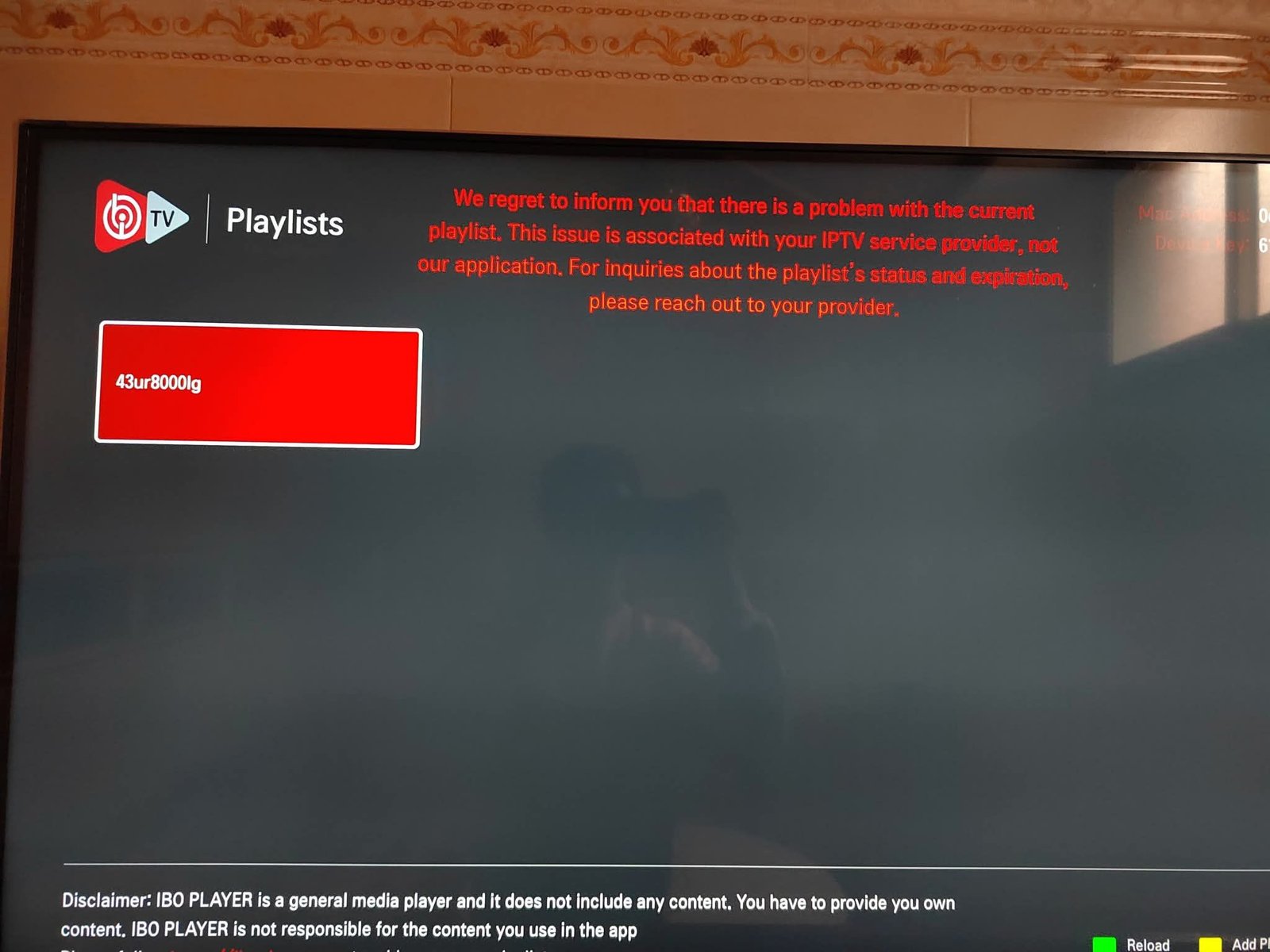
When IBO Player is working, it’s brilliant.When the screen suddenly turns black after a few minutes, it’s infuriating. This guide walks you, step by step.
Rated 4.8| Excellent
Trustpilot
 Rated 4.8| Excellent
 Trustpilot