20 Free IPTV App Activation (Only 20 Available): Buy 6 or 12 Months IPTV & Get 1 Free IPTV App Activation
If you’ve ever tried to set up IPTV on a Smart TV, you know the two big steps:
- Buy a good IPTV subscription
- Find and activate a decent IPTV app (like IBO Player Pro, Duplex, SmartOne Pro, etc.)
Most people are prepared for the first step. It’s the second one that causes headaches:
- “Which IPTV app should I use?”
- “Why is it asking for an extra activation fee?”
- “Is this app safe for my Smart TV?”
That’s why this offer from ukiptvsub.com is so useful:
Buy 6 or 12 Months IPTV & Get 1 Free IPTV App Activation
(Limited to just 20 activations)
You get:
- A 6 or 12-month IPTV subscription from ukiptvsub.com
- Free activation on ONE premium IPTV app of your choice
- No separate app activation bill
In this guide, we’ll break down:
- How this offer works
- Which 20 IPTV apps you can choose from
- What each app is like (features, supported devices, pros & cons, legal notes)
- How to claim your free activation before the 20 slots are gone
<
UKIPTVSUB is the most stable IPTV I’ve used – no buffering even during live sports!
⭐ ⭐ ⭐ ⭐ ⭐ Rated 4.8 on Trustpilot
Try UKIPTVSUB Now →How the Offer Works with ukiptvsub.com
The promotion is simple:
When you buy a 6‑month or 12‑month IPTV subscription from ukiptvsub.com, you get 1 free IPTV app activation on one of the supported apps.
Only 20 free activations are available – once they’re used, the offer ends.
Steps in Practice
- Choose your IPTV plan
- 6‑month IPTV from ukiptvsub.com
- or 12‑month IPTV from ukiptvsub.com
- Pick your IPTV app from the supported list:
- IBO Player Pro, IBO Player App, Abe Player TV, Bob Player, Mac Player, Virginia, All Player, HushPlay, KTNPlayer, Family Player, IBO SS Player, King G4 Player, IBO STB, IBO XX Player, Duplex, Bob Pro, Bob Premium, IBO Sol Player, Flixnet, SmartOne Pro.
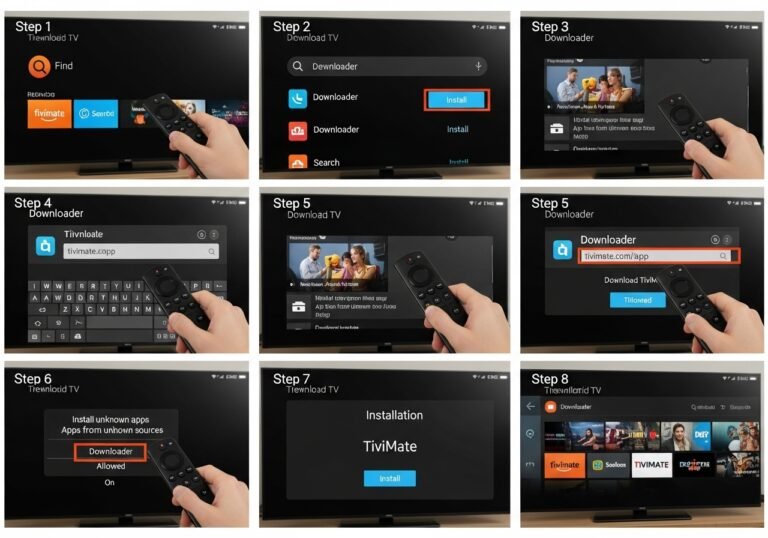
- Install the app on your device (Smart TV / Firestick / Android TV etc.).
- Send your Device ID / App ID to ukiptvsub.com support.
- ukiptvsub.com activates your IPTV line + the chosen app for free (for that device).
You get a complete IPTV setup: subscription + app, both sorted.
Why This Bundle Solves Real IPTV Pain Points
Most new IPTV users struggle with:
- Not knowing which app to install
- Confusing activation systems
- Extra cost for “Pro” or premium versions
By choosing ukiptvsub.com with this offer, you:
- Get a tested IPTV service with UK & international channels
- Avoid a separate £8–£15 activation cost for one premium IPTV player
- Receive help with setup from a single provider
It’s the difference between piecing everything together yourself and having someone do the heavy lifting.
To understand why stable apps and services matter, you can look at Ofcom’s general information on TV and on-demand services here:
https://www.ofcom.org.uk/tv-radio-and-on-demand
The 20 IPTV Apps Included in the Free Activation Offer
Below is a quick intro to each app, with a consistent structure you can use to decide which one fits you best.
Note: These apps are players, not content providers. Your channels and VOD come from your IPTV subscription at ukiptvsub.com.
IBO Player Pro
Introduction
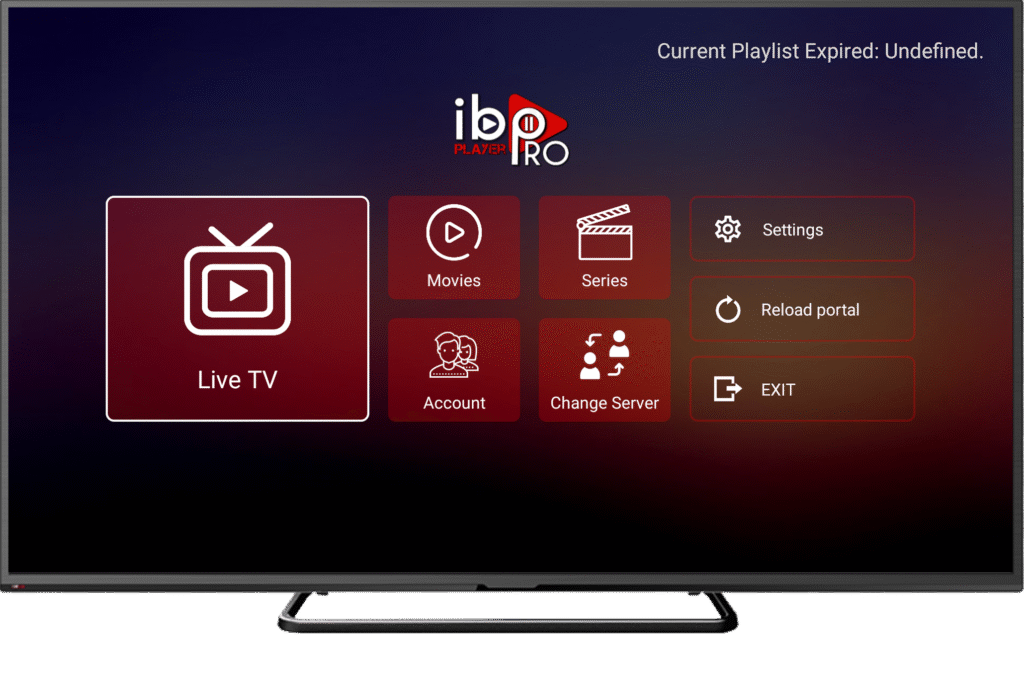
IBO Player Pro is a premium IPTV player designed mainly for Smart TVs. It’s popular for its fast zapping, clean layout, and strong EPG support—ideal for pairing with a quality IPTV service like ukiptvsub.com.
StreamFire Features (IBO Player Pro Features)
- Fast channel loading and smooth navigation
- Clean, modern user interface
- EPG (TV guide) support for live channels
- m3u & Xtream Codes playlist support
- Favourites and multi-list management
StreamFire Pros and Cons
Pros:
- Feels like a native TV app
- Great for large IPTV playlists
- Excellent guide and category handling
Cons:
- Requires a one‑time activation payment (unless bundled free)
- UI may be overwhelming at first for complete beginners
StreamFire Supported Devices
- Samsung Smart TVs
- LG Smart TVs
- Some Android/Fire OS devices (via sideload)
StreamFire Legal Status:
IBO Player Pro is legal software; it does not provide content. Legality depends on the IPTV subscription you load into it.
IBO Player (Standard)
Introduction
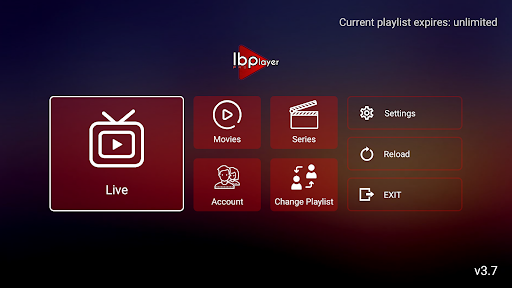
The standard IBO Player App is the base version of IBO on many Smart TV stores, offering the same IPTV player core as Pro, sometimes with a shorter trial.
StreamFire Features
- IPTV playlist loading (m3u/Xtream)
- Live TV and VOD sections
- EPG and favourites support
Pros and Cons
Pros:
- Stable and widely used
- Familiar for anyone switching within the IBO family
Cons:
- Also needs activation after trial
- Slightly fewer “Pro” tweaks depending on version
Supported Devices
- Samsung / LG Smart TV app stores
- Some Android TV environments
Legal Status
Legal player app; content legality is tied to your provider, not the app itself.
Abe Player TV
Introduction
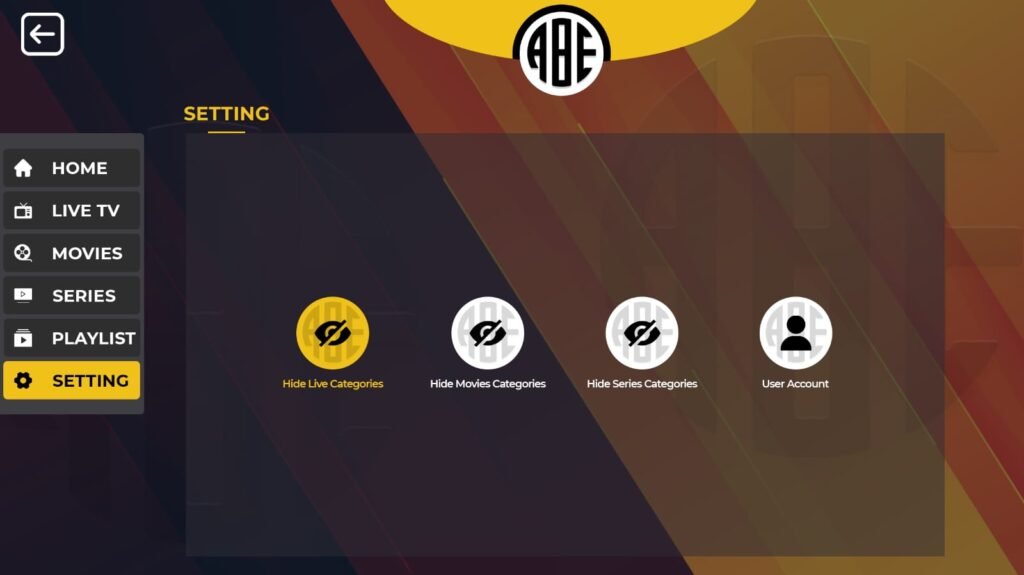
Abe Player TV is an IPTV player created for Smart TVs and Android devices that want a clean, IPTV‑first interface without excessive extras.
StreamFire Features
- Loads IPTV playlists (m3u/xtream)
- Live TV and VOD navigation
- Simple but modern UI
Pros and Cons
Pros:
- Good balance of features vs simplicity
- Works nicely with UK IPTV subscriptions
Cons:
- Smaller user base than IBO or Duplex
- Less documentation/community support online
Supported Devices
- Many Smart TVs
- Android TV/boxes
Legal Status
An IPTV player only; legal to install. Use with a legitimate IPTV source.
Bob Player
Introduction
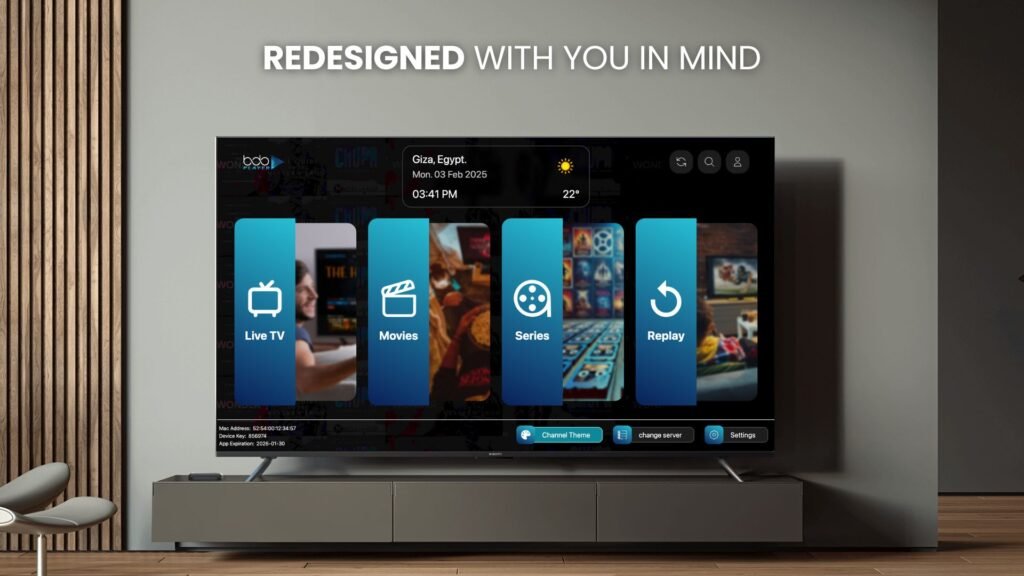
Bob Player is an IPTV player aimed at Firestick and Android users. Many IPTV providers supply Bob Player‑ready details for easy logins.
StreamFire Features
- Supports m3u/xtream logins
- Live TV categories
- Basic EPG when provided
Pros and Cons
Pros:
- Simple layout for remote controls
- Easy to configure with line details
Cons:
- UI not as polished as some Smart TV apps
- May show ads unless upgraded
Supported Devices
- Amazon Firestick / Fire TV
- Android TV boxes
- Android smartphones/tablets
Legal Status
Player only; legality depends on content you load.
Mac Player
Introduction
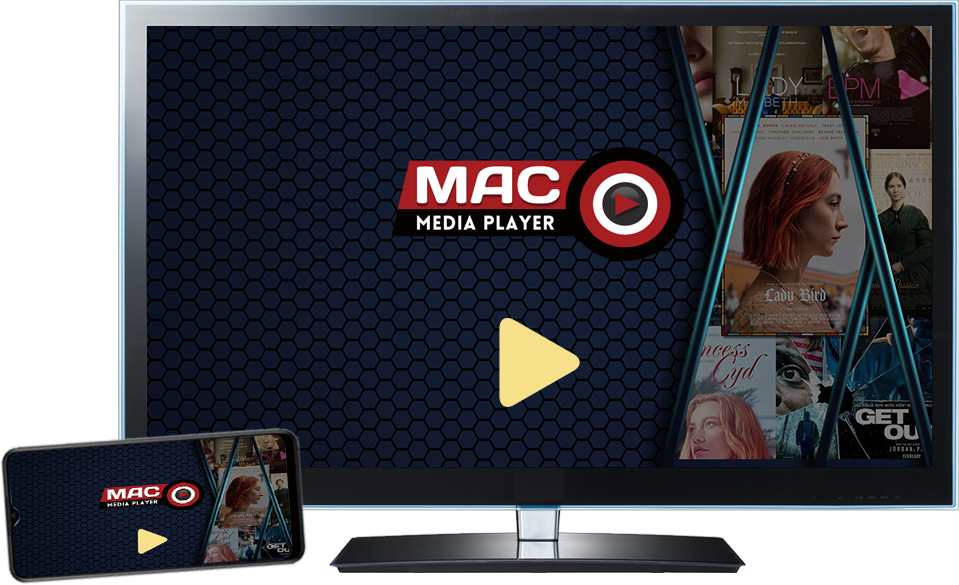
Despite the name, Mac Player is often used in MAC‑style IPTV environments, especially for users coming from MAG or old STB setups.
StreamFire Features
- MAC portal style connection support
- Live channels and VOD sections
- EPG if provider supports it
Pros and Cons
Pros:
- Familiar for MAG/STB users
- Good for MAC‑based IPTV panels
Cons:
- Less straightforward for users used to m3u apps
- May not be in all official stores
Supported Devices
- Android TV boxes
- Smart TVs in some regions
- STBs using Android
Legal Status
Legal app; content legality is independent of the player.
Virginia player
Introduction
Virginia is a lesser‑known IPTV player sometimes recommended by providers as an alternative to big‑name apps for Smart TVs and boxes.
StreamFire Features
- Playlist loading for live/VOD
- Category sorting and search
Pros and Cons
Pros:
- Light and straightforward
- Good if more popular apps aren’t available in your store
Cons:
- Fewer tutorials and online help
- Feature set can vary by version
Supported Devices
- Android TV / boxes
- Some Smart TVs (region-dependent)
Legal Status
Acts as a player; legal status of usage depends on IPTV source.
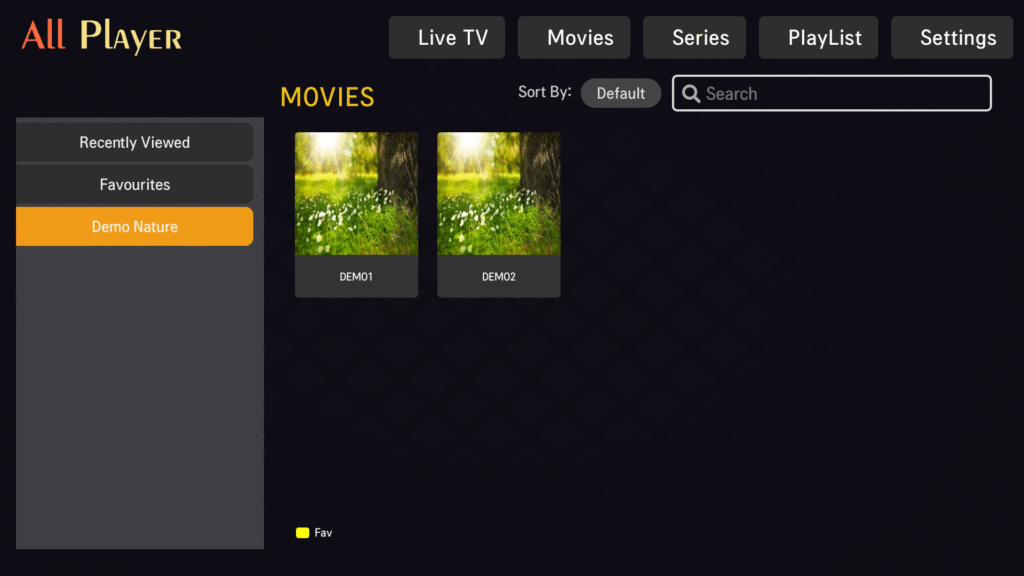
All Player
Introduction
All Player functions as both an IPTV and media player, able to handle both streams and local files in some versions.
StreamFire Features
- Plays IPTV playlists
- May support local media playback
- Category and VOD sections
Pros and Cons
Pros:
- All‑in‑one concept (IPTV + media)
- Flexible playback options
Cons:
- Not as IPTV‑specialised as some dedicated apps
- Interface may be more generic
Supported Devices
- Android TVs and boxes
- Some Smart TVs and phones
Legal Status
Media player software; legal on its own, content matters separately.
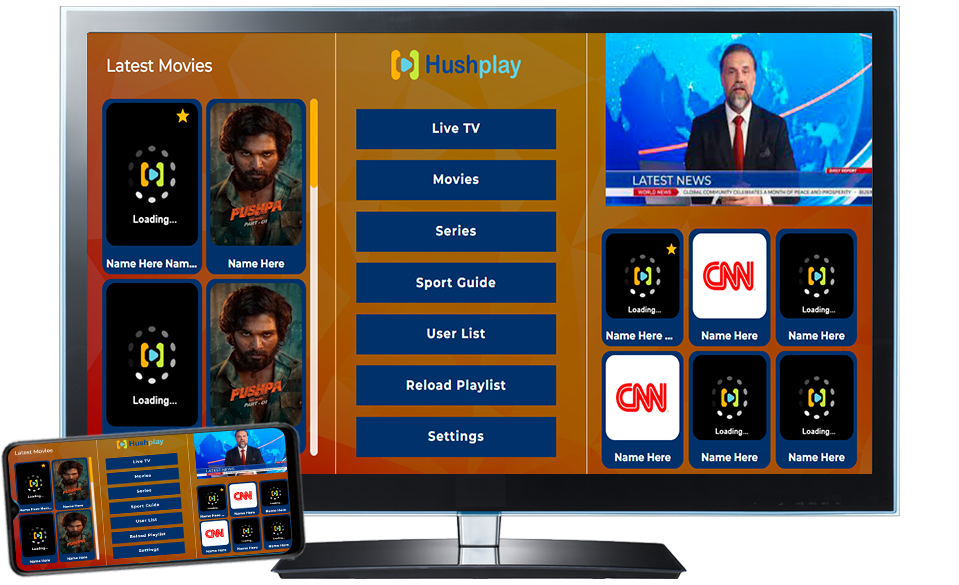
HushPlayer
Introduction
HushPlay is a lightweight IPTV player that focuses on live TV playback with minimal UI clutter.
StreamFire Features
- IPTV playlist support
- Quick channel switching
- Simple category list
Pros and Cons
Pros:
- Easy for non‑technical users
- Minimalistic design
Cons:
- Lacks more advanced features (catch‑up, deep VOD browsing)
- Smaller user community
Supported Devices
- Android TV / boxes
- Firestick (sideload)
- Android phones
Legal Status
Player app; make sure you load authorised IPTV streams.
<
UKIPTVSUB is the most stable IPTV I’ve used – no buffering even during live sports!
⭐ ⭐ ⭐ ⭐ ⭐ Rated 4.8 on Trustpilot
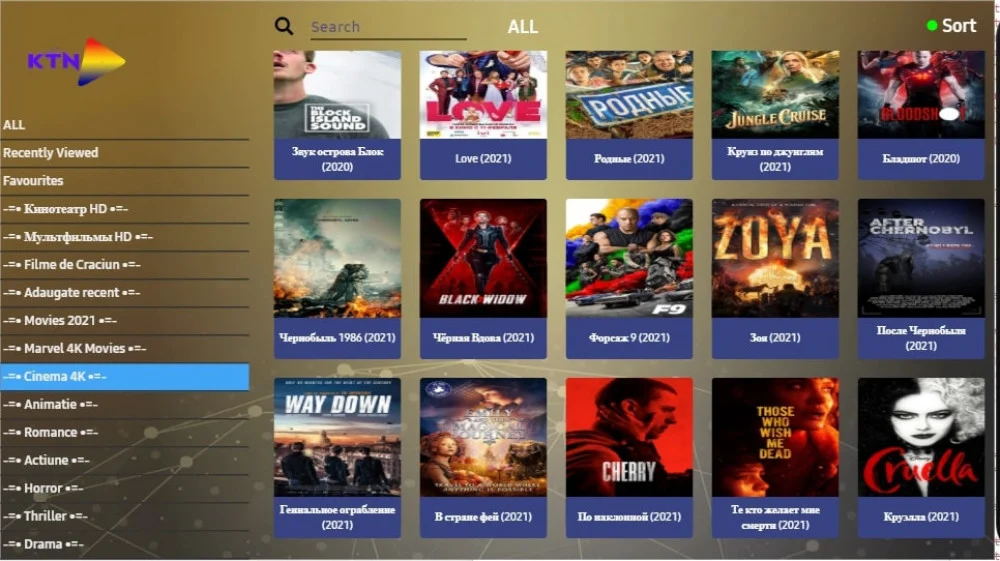
Try UKIPTVSUB Now →KTNPlayer
Introduction
KTNPlayer is another IPTV player in the Android ecosystem geared towards users wanting a stable app with EPG support.
StreamFire Features
- m3u & xtream login
- Live TV / VOD / series support
- EPG if data is provided
Pros and Cons
Pros:
- Solid channel/EPG handling
- Good for mid‑to‑advanced users
Cons:
- Less known than IBO/Duplex
- Help and documentation are limited
Supported Devices
- Android TVs and boxes
- Firestick (via sideload)
Legal Status
Neutral. It’s software only; legal risk depends on what you stream.
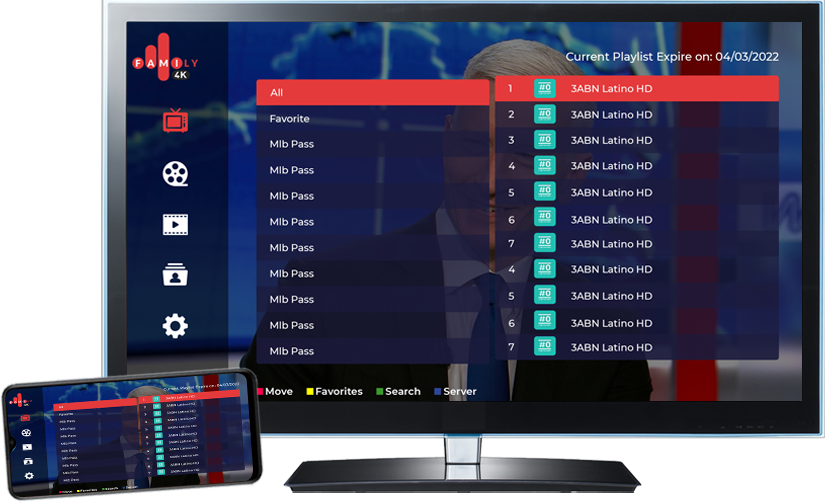
Family Player
Introduction
Family Player is designed with households in mind—easy navigation, big buttons, and a simple interface that kids or seniors can manage.
StreamFire Features
- Live TV categories
- Favourites
- Simple menu structure
Pros and Cons
Pros:
- Very family‑friendly design
- Low learning curve
Cons:
- Missing advanced power‑user settings
- Less ideal for multi‑playlist power users
Supported Devices
- Android TVs
- Firestick / Fire TV
- Android devices
Legal Status
Player only; IPTV legality is separate.
IBOSS Player
Introduction
IBO SS Player is another branch of the IBO player family, usually optimised for certain Smart TV models or store requirements.
StreamFire Features
- IPTV playlist loading
- EPG support
- IBO‑style UI
Pros and Cons
Pros:
- Uses the IBO design language
- Good for TVs where standard IBO isn’t shown
Cons:
- Niche availability
- Same activation logic as other IBO apps
Supported Devices
- Selected Smart TVs (check your store)
Legal Status
Similar legal profile as other IBO apps: fine as software, content legality depends on provider.
KingG4 Player
Introduction
King G4 Player targets advanced IPTV users on Android and TV boxes, offering rich playlist support.
StreamFire Features
- Multiple playlist support
- EPG and categories
- Favourites and search
Pros and Cons
Pros:
- Powerful for complex IPTV line management
- Good performance on Android TVs
Cons:
- May overwhelm new users
- Often not in official app stores
Supported Devices
- Android TV / boxes
- Firestick (sideload)
Legal Status
As with all of these: the player is fine, content legality varies.
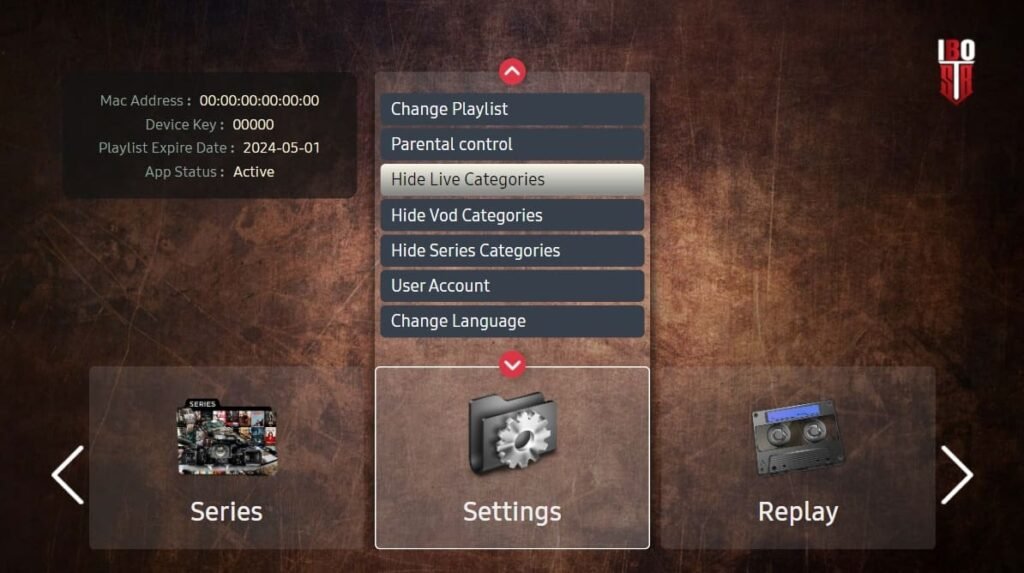
IBO STB
Introduction
IBO STB is a set‑top‑box‑oriented version of IBO, built for Android IPTV boxes and STB hardware.
StreamFire Features
- Optimised interface for box/remote use
- IPTV + EPG
- Playlist grouping
Pros and Cons
Pros:
- Great fit for box‑style usage
- Familiar IBO experience for STB users
Cons:
- Not for regular Smart TV app stores in many cases
Supported Devices
- Android STBs
- Android TV boxes
Legal Status
Player app; IPTV rights must be handled by your provider.
IBOXX Player
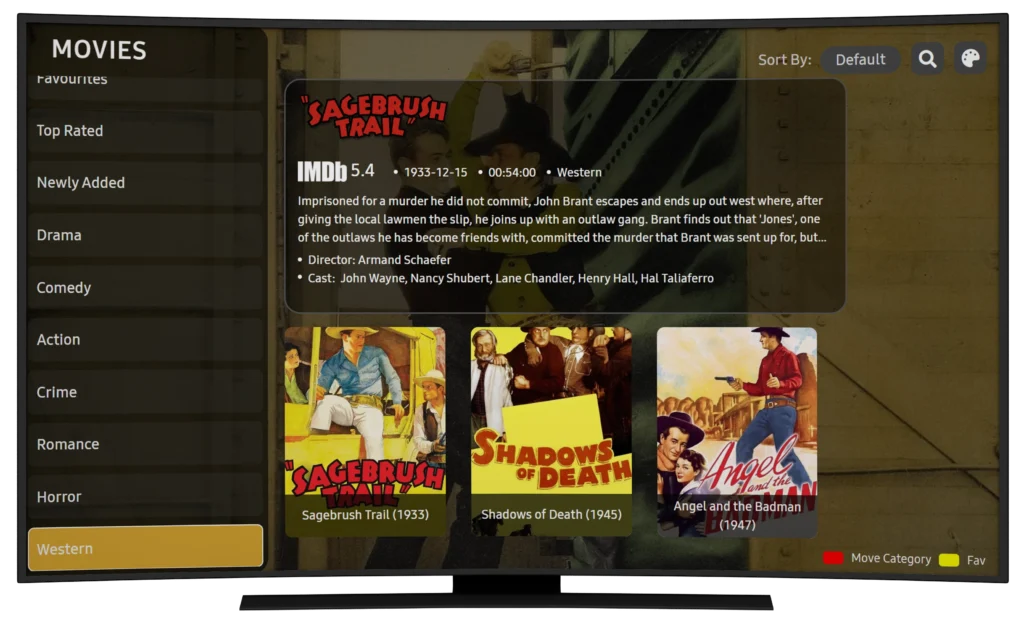
Introduction
IBO XX Player adds another flavour to the IBO product line, sometimes used when specific versions are geo‑limited.
StreamFire Features
- IPTV playlists
- EPG
- Similar UI to IBO Pro
Pros and Cons
Pros:
- Another route into IBO world
- Useful if main app not visible in your territory
Cons:
- Support and visibility may be lower
Supported Devices
- Various Smart TVs (check local store)
Legal Status
Again, acts as a neutral player.
Duplex
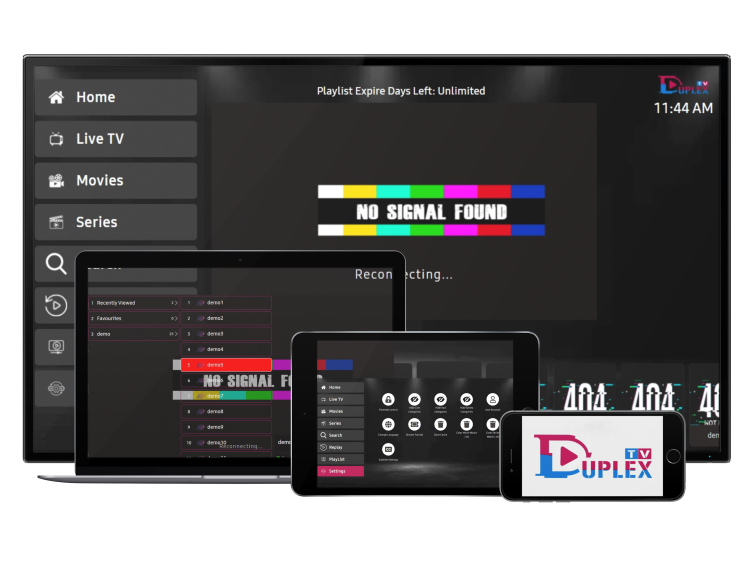
Introduction
Duplex is a very popular IPTV player, especially on Samsung/LG Smart TVs, known for web‑based playlist management.
StreamFire Features
- Web portal to manage playlists
- Multi‑playlist support
- EPG and favourites
Pros and Cons
Pros:
- Great for advanced playlist organisation
- Clean, TV‑friendly interface
Cons:
- Requires web portal access and some setup effort
- Activation usually not free (unless bundled)
Supported Devices
- Samsung / LG Smart TVs
- Android TV / boxes
Legal Status
Legitimate IPTV player; doesn’t ship content.
Bob Pro
Introduction
Bob Pro is the upgraded version of Bob Player, offering fewer ads and better general performance.
StreamFire Features
- IPTV line login support
- Improved stability vs free Bob
- Better UI responsiveness
Pros and Cons
Pros:
- Cleaner experience
- Worth pairing with long‑term IPTV like ukiptvsub.com
Cons:
- Paid activation without a bundle deal
Supported Devices
- Firestick / Fire TV
- Android boxes and phones
Legal Status
Player; content side must be handled legally.
Bob Premium
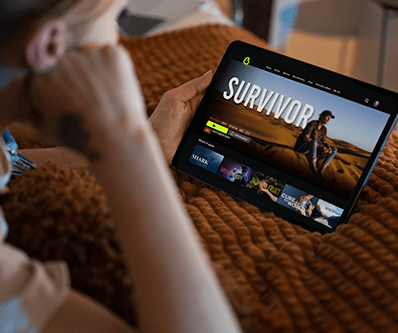
Introduction
Bob Premium is the top‑tier variant in the Bob family, providing the maximum feature set.
StreamFire Features
- Advanced playlist handling
- Extras like improved EPG or UI themes (version-dependent)
Pros and Cons
Pros:
- Best Bob experience
- Good for heavy IPTV watchers
Cons:
- Higher one‑time fee
- Overkill for casual users
Supported Devices
- Firestick
- Android
Legal Status
Same as other players: neutral.
IBO Sol Player
Introduction
IBO Sol Player is another IBO variant often pushed via specific IPTV panels or providers.
StreamFire Features
- IPTV playlist & EPG
- IBO‑style UI and speed
Pros and Cons
Pros:
- Keeps you inside the IBO ecosystem
- Usually very stable
Cons:
- Availability depends on store region
Supported Devices
- Selected Smart TVs running IBO Sol app
Legal Status
Neutral IPTV player.
Flixnet Player

Introduction
Flixnet (not Netflix) is used as a streaming/IPTV app in some markets, with IPTV playlist support in certain builds.
StreamFire Features
- VOD-style navigation
- Sometimes playlist support for IPTV lines
Pros and Cons
Pros:
- Nice movie/series feel
- Attractive UI for VOD users
Cons:
- Must ensure you have the official, safe version
- Feature set varies widely
Supported Devices
- Android TVs & boxes
- Firestick (sideload)
Legal Status
Depends heavily on source—stick to legitimate builds and IPTV providers.
SmartOne Pro
Introduction
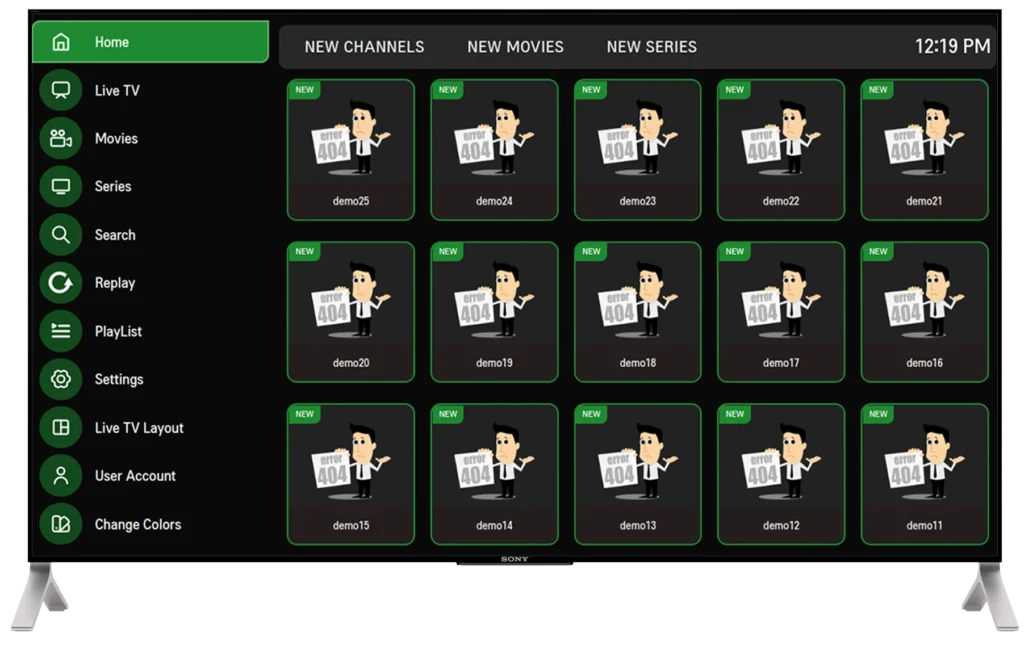
SmartOne Pro is a Smart TV IPTV player designed to feel “native”, often praised for its simple, robust interface.
StreamFire Features
- IPTV playlists & Xtream login
- EPG, favourites, categories
- Remote‑friendly design
Pros and Cons
Pros:
- Very TV‑friendly
- Good for families and non‑tech users
- Strong performance with big channel lists
Cons:
- Activation required after trial
- Smart TV only (no mobile/box focus)
Supported Devices
- Samsung Smart TV
- LG Smart TV
- Some other TV OS via store
Legal Status
Legal player; content from IPTV provider must be licensed.
Which App Should You Pick with Your Free Activation?
If you’re using:
- Samsung / LG Smart TV:
- Great picks: IBO Player Pro, Duplex, SmartOne Pro
- Firestick / Android TV Box:
- Consider: Bob Player/Bob Pro or King G4, Abe Player TV, or IBO STB if compatible
- Family use (kids/parents):
- Consider: Family Player, SmartOne Pro, IBO Pro
If you’re unsure, ask ukiptvsub.com support which app they recommend for your:
- TV model
- Country
- User level (beginner, advanced)
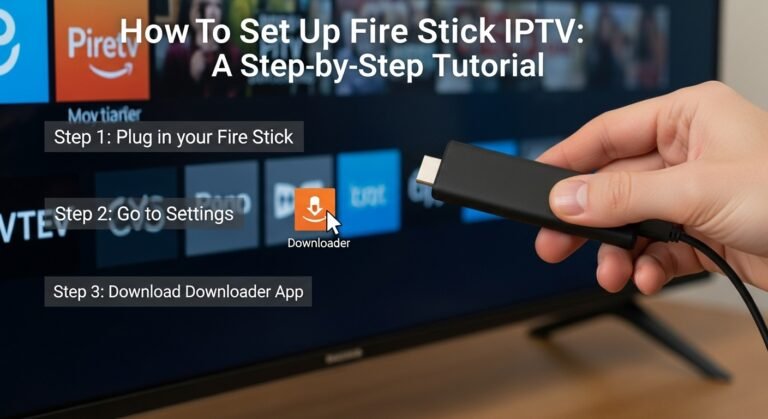
How to Claim Your Free Activation with ukiptvsub.com (Step-by-Step)
- Go to ukiptvsub.com
- Choose a 6‑month or 12‑month IPTV package
- Install your chosen IPTV player app from the list above
- Open the app and note your Device ID / App ID / MAC
- Send your Device ID + IPTV order details to ukiptvsub.com support
- Wait for confirmation (usually within minutes to an hour)
- Restart/refresh the app – your IPTV + app activation should be live
Remember, this promotion is limited to 20 app activations—once they’re used, the free activation part is gone.
Frequently Asked Questions: Free IPTV App Activation Bundle
1. Is the IPTV app activation really free?
Yes. When you buy 6 or 12 months IPTV from ukiptvsub.com, you get 1 activation of a supported IPTV app for free. Normally, these activations cost £8–£15 one-time.
2. How many free activations are available?
The offer is:
- Limited to 20 activations only
Once 20 customers have claimed their free app activation, the promotion ends (IPTV service is still available, just without this extra bonus).
3. Can I choose any app from the list?
Yes, you can select one of the following:
- IBO Player Pro, IBO Player App, Abe Player TV, Bob Player, Mac Player, Virginia, All Player, HushPlay, KTNPlayer, Family Player, IBO SS Player, King G4 Player, IBO STB, IBO XX Player, Duplex, Bob Pro, Bob Premium, IBO Sol Player, Flixnet, SmartOne Pro.
If you’re unsure which is best for your TV/device, ask ukiptvsub.com support.
4. Does the free activation cover multiple devices?
No. The free activation:
- Applies to one device ID or TV/app instance.
- If you want more devices activated, additional fees or discounts may apply—ask support.
5. Is this activation lifetime or time-limited?
Most IPTV apps mentioned:
- Use a one-time lifetime licence for that device.
- Once activated, you don’t pay again for that app on that device.
Your IPTV subscription from ukiptvsub.com is separate and runs for the 6 or 12 months you purchased.
6. What happens if I change my TV?
If you buy a new TV:
- The original activation is tied to your old device ID
- You may need a new activation for the new TV/app ID
- Check with ukiptvsub.com for upgrade or discount options
7. Is IPTV with these apps legal?
The apps themselves:
- Are just players.
- The legal question depends on the IPTV content you watch.
For regulatory context (especially in the UK), you can read Ofcom’s guidance:
https://www.ofcom.org.uk/tv-radio-and-on-demand/on-demand
Always choose reputable subscriptions like those from ukiptvsub.com and understand local copyright law.
Final Thoughts: Lock In IPTV + a Premium App Before the 20 Slots Go
Getting IPTV right isn’t just about the channel list—it’s about:
- The quality of the service and
- The app you use to watch it
With this “Buy 6 or 12 Months IPTV & Get 1 Free IPTV App Activation (Limited to 20 Activations Only)” deal from ukiptvsub.com, you can:
- Secure a long-term IPTV subscription
- Avoid paying extra for a premium app like IBO Player Pro, Duplex, SmartOne Pro, etc.
- Enjoy a smooth, modern interface, fully activated, from day one
If you’re serious about upgrading your TV setup, don’t wait until the 20 free activations are gone.
Want more practical IPTV guides, app comparisons, and offer breakdowns?
Subscribe to our updates to get:
- Honest IPTV provider insights
- Setup tutorials for Smart TVs, Firesticks, and Android TV boxes
- Tips to keep your IPTV streaming smooth, stable, and family-friendly
Make your next IPTV move the one that finally “just works”—with ukiptvsub.com and a free premium app activation to match.